 Tempusxr
Image tracking, Three.js
Pick any pictures on your phone, then point the camera at them. Several targets at once.
Three.js
Web augmented reality: the camera opens full screen, finds your pictures, and puts 3D content and an editable interface on them. A-Frame (plain HTML) or Three.js. Open this page on a phone to try the examples.
The latest changes to the SDK, the examples and the docs.
A portal is a doorway that shows another world: a 360 photo or a 3D room. On the floor with world tracking you can walk through it, and the world…
The guide is rewritten for a developer who has never seen the repository. It starts with how to install the SDK (three script tags or npm), a first…
The SDK is ready to be public, with no key. A plain HTML page needs three files: A-Frame (or Three.js), Tempusxr and one tracker (tempusxr-image,…
Each example with a picture needs that picture in front of the camera: open it on a second screen, or print it. Tap a picture to open it full size. The camera needs this secure page.
Pick any pictures on your phone, then point the camera at them. Several targets at once.
Three.js
The same in plain HTML tags, with the editable overlay.
A-Frame
Turn pictures into a .txr file with a quality score. Everything runs in the page.
Browser

Call, email and website buttons appear on the card.
A-Frame
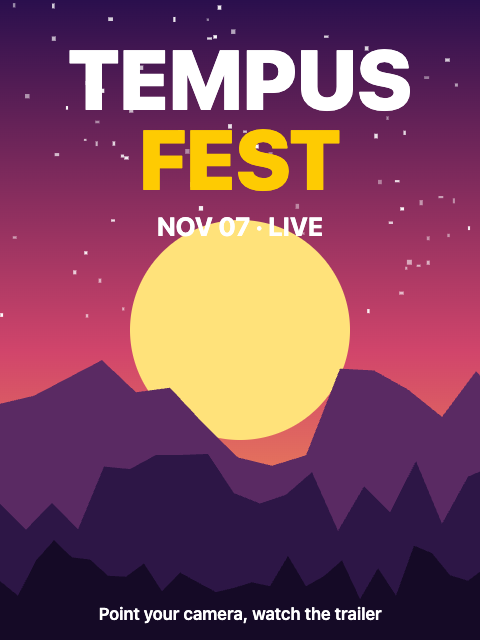
A video plays on the poster and pauses when you look away.
A-Frame
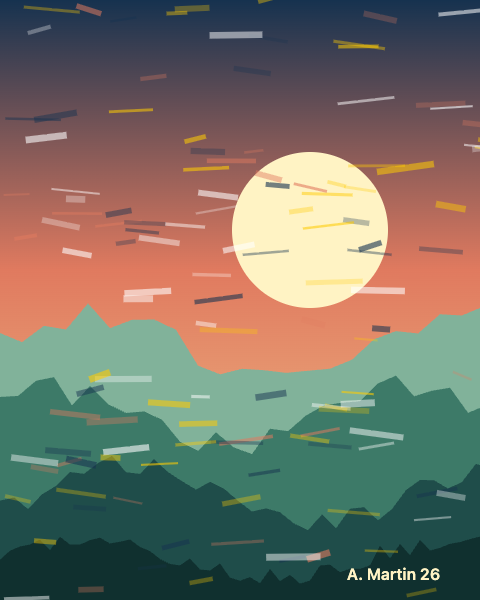
A 3D frame and a nameplate around a painting. Change the frame style.
A-Frame
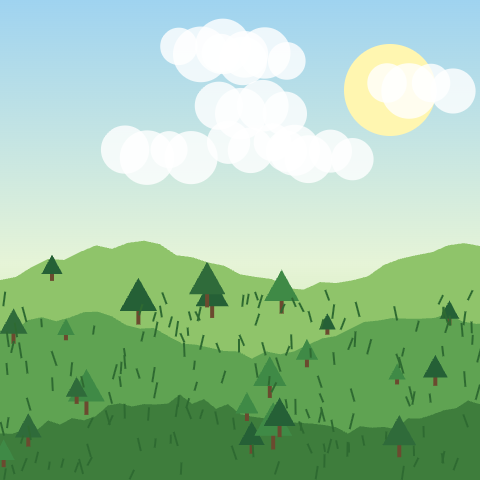
A 3D tree grows inside a wooden frame on the picture.
Three.js
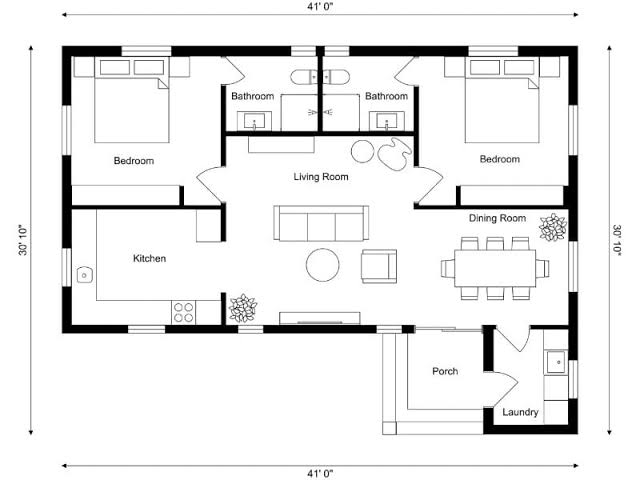
The rooms rise from a floor plan. Resize and turn them with the buttons.
Three.js

The poster example as a scene.json: video, text and a badge you can tap, opened with loadScene().
Three.js

Take a photo or record a video: the real camera picture and the 3D shape are saved together.
A-Frame and Three.js