 Tempusxr
- Docs
- Image tracking examples
Summary
Seven small examples show the main features of image tracking. Each one comes twice, as an A-Frame page (HTML only) and as a Three.js page (JavaScript), so you can compare and pick your style. The code on each page is the code of the demo, read from the file.
How to try them
- Open the demo on a phone, over the secure address of this site: the camera needs it.
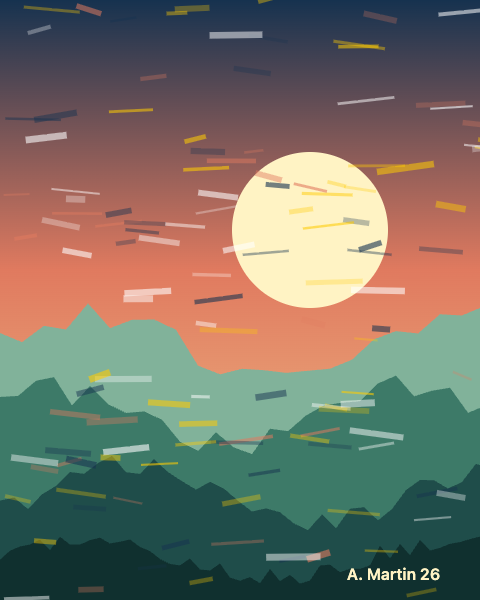
- Show the picture of the example to the camera. Put it on a second screen, or print it. Tap a picture on its page to open it full size.
- Add
?debugto the address to see frame rates and phone facts.
The examples
| Example | What it shows | Picture to point at |
|---|---|---|
| Minimal | The smallest page: one image, one box. | poster.png |
| Basic | A veil with the proportions of the image and an animated shape. | poster.png |
| Multi-targets | Several images in one file, different content on each, one followed at a time. | card.png, poster.png, art.png |
| Multi-tracks | Several images followed at the same time, with a counter. | two of the three pictures together |
| Custom UI | Your own interface in HTML above the camera. | poster.png |
| Events handling | The camera, found and lost events, printed on screen. | poster.png |
| Interactive | Tap the 3D objects: change a color, make a ball jump. | poster.png |
Finished experiences
Larger examples built the same way. Each has the picture to point at in its own folder.
| Example | What it does | Stack |
|---|---|---|
| Business card | Call, email and website buttons appear on the card. | A-Frame |
| Poster with video | A video plays on the poster, with a sound button. | A-Frame |
| Picture frame | A 3D frame fits the painting, and a button changes its style. | A-Frame |
| Tree in a frame | A frame appears and a 3D tree grows inside it. | Three.js |
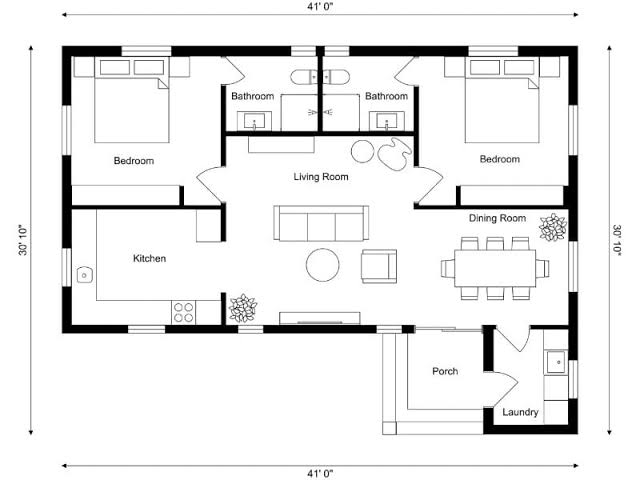
| Plan to room | The rooms and the furniture rise from a floor plan. | Three.js |
The pictures: card, poster, painting, tree and floor plan.



Make your own target file
All examples load a .txr file made from their pictures. Make yours with the image compiler.