 Tempusxr
World tracking Available
No picture needed: place content on the floor or a table, in real size.
Phones: Chrome on an Android phone with ARCore. Not on iPhone yet.
Guides
Experiences
Place on the floor
 Medium
World tracking
Place on the floor
A ring shows on the floor, a tap places a cube, and it stays when you walk around. With a diagnostics panel.
Needs: An Android phone with Chrome
Product viewer
 Medium
World tracking
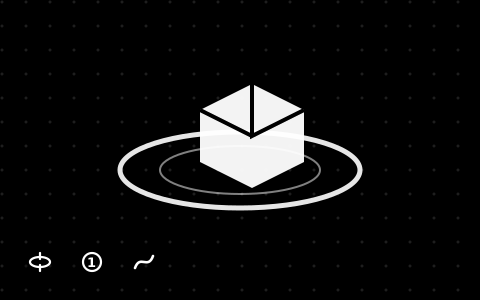
Product viewer
Turn a product with a finger, tap numbered hotspots, press Explode, then View in AR to place it at real size.
Needs: Any phone for the viewer, an Android phone with Chrome for AR
 Medium
World tracking
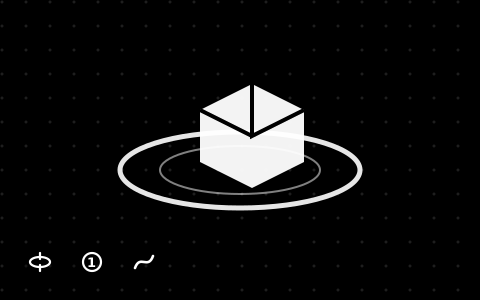
Product viewer: bicycle
Turn the bicycle with a finger, tap the four hotspots, press Explode, then View in AR to place it at real size.
Needs: Any phone for the viewer, an Android phone with Chrome for AR
 Basic
World tracking
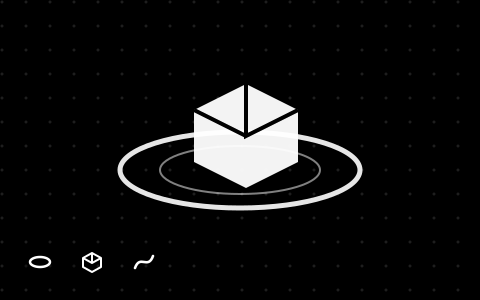
Bicycle on the floor
The bicycle as a 3D object: tap the floor to place it at real size, then press Explode.
Needs: Any phone for the viewer, an Android phone with Chrome for AR
 Basic
World tracking
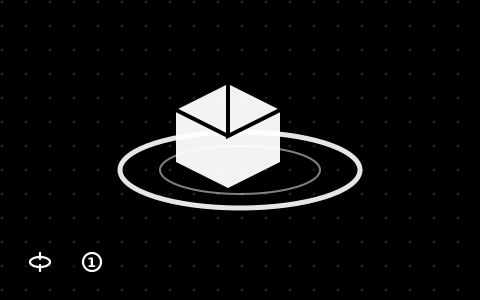
Hotspots with free text
Numbered points on a model, each with a title and a free text. A point hides when it is on the far side.
Needs: Any phone for the viewer, an Android phone with Chrome for AR
Place on a wall
 Basic
World tracking
A picture on the wall
Hang a picture on a real wall at real size: it faces out of the wall and stays where you put it.
Needs: An Android phone with Chrome
 Medium
World tracking
A 3D component on the wall
Place a small 3D machine on a wall, and press Explode to see it come apart.
Needs: An Android phone with Chrome
Scene file
 Medium
World tracking
A world scene file
Content placed on the floor from a scene file, in meters.
Needs: An Android phone with Chrome
Photo and video
 Advanced
World tracking
Photo and video in the room
Place content on the floor, then take a photo or a video with the camera picture behind it.
Needs: An Android phone with Chrome
Portal
 Medium
World tracking
A doorway on the floor
A doorway stands on your floor and shows the savanna. Walk through it, and the world is all around you.
Needs: An Android phone with Chrome